Organize around how often you use the page
Put frequently used pages where they are easiest to reach. Daily and weekly pages belong near the front of an active binder, while reference pages, completed logs and archived months can move to the back or a separate storage binder.
Use dividers for functions, not decoration
Useful divider labels might include Planning, Tracking, Notes, Projects, Reference and Archive. Topic-specific systems can use labels such as Budget, Bills, Savings and Debt. Choose labels that help you find a page quickly.
Keep blank masters separate
If a page will be printed repeatedly, keep an unused digital master and, if helpful, one clean printed sample in a separate section. Do not rely on photocopying pages that already contain handwriting.
Archive instead of carrying everything
A binder becomes difficult to use when it contains every completed page. Move finished months, projects or logs to an archive folder. Keep only the material you need for current decisions and short-term reference.
Use sheet protectors selectively
Protect covers, reference sheets and pages you want to reuse with a dry-erase marker. Routine writing pages usually do not need protectors. Too many can make a binder bulky and harder to flip through.
Let the system change
The advantage of printable pages is that the organization is not permanent. Add a section when it proves useful and remove it when it creates friction. Browse PrintableLab planners, journals, trackers, logbooks and workbooks to build a system around the pages you actually use.
Create an active section and an archive
Keep only current pages in the binder or folder you use every day. Move completed weeks, finished projects and old logs to a separate archive. This keeps the working system easy to flip through without losing historical records.
Group pages by job
Dividers such as Plan, Track, Record, Reference and Notes often work better than decorative categories. Topic-specific systems can use labels like Bills, Savings and Debt or Seeds, Planting and Harvest. The right label is the one that helps you find a page quickly.
Protect master pages, not every sheet
Keep clean digital originals and, if useful, one printed master of repeat-use pages. Sheet protectors make sense for reference sheets or dry-erase checklists, but using them for every writing page adds bulk and friction.
Choose the printable format that matches the job
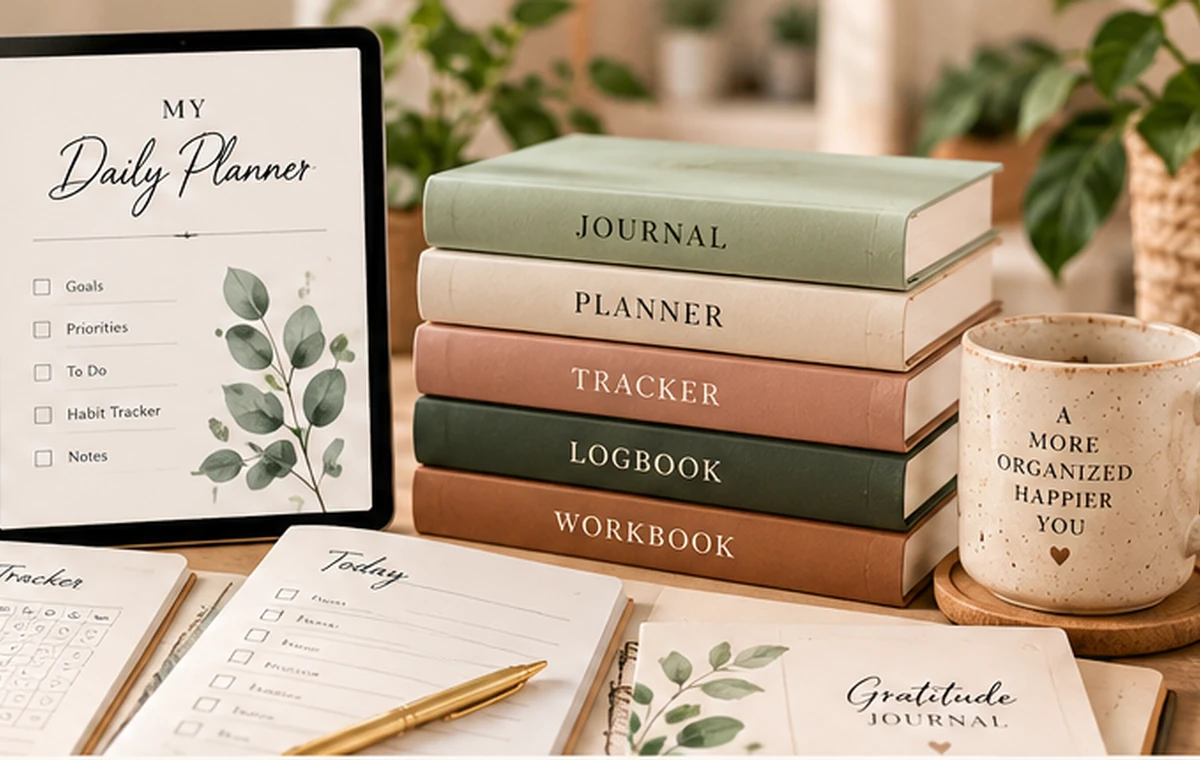
If the topic needs future actions, use a planner. If context and personal observations matter, use a journal. Repeated measurements fit a tracker; dated event history fits a logbook; guided questions and exercises fit a workbook. The Home Organization & Cleaning printable collection lets you compare those approaches without changing the subject you are working on.
Example: organizing a mixed home binder
A household binder might contain a monthly planner, bill tracker, cleaning checklist and maintenance log. Put the current monthly and weekly pages first, followed by active trackers. Keep reference items such as service contacts or appliance details behind a separate divider. Completed months can move to an archive binder instead of staying in the daily system.
This arrangement keeps current decisions near the front while preserving records that may matter later. If one section is rarely opened, move it farther back or remove it. The organization should reflect use frequency, not the order the pages happened to be printed.
If the binder keeps getting too bulky
Create a rule for what stays active. Current month pages, open projects and frequently used reference sheets can remain in the working binder; completed material can move to an archive on a regular schedule. The goal is fast access, not keeping the entire history within arm’s reach.
If categories overlap, organize by the decision you make most often. A bill tracker may fit better beside the budget than under a generic “trackers” divider. Functional grouping is easier to maintain because it mirrors how the pages are actually used.
Questions to answer before you settle on a system
- Which pages need to stay active right now?
- What can move to an archive?
- Which dividers match how I actually find information?
- Which blank pages need master copies?
- What section creates clutter without being used?
A step-by-step checklist
- Step 1: Separate current working pages from completed pages that belong in an archive.
- Step 2: Use dividers based on function such as Plan, Track, Record, Reference and Notes.
- Step 3: Keep clean digital masters for pages you expect to print repeatedly.
- Step 4: Place frequently used pages near the front and long-term reference pages farther back.
- Step 5: Use sheet protectors only for covers, reference sheets or reusable dry-erase pages.
- Step 6: Review the binder periodically and remove sections that create more friction than value.
The Complete Gardening Printable Bundle provides separate planner, journal, tracker, logbook and workbook files. Use those existing format names as binder sections if they match how you work. Print the sections you need now and store the remaining PDFs for later; owning a bundle does not mean every page belongs in your active binder.
Explore related printables
Continue with the Home Organization & Cleaning printable collection, where you can compare its planner, journal, tracker, logbook, workbook and bundle. You can also return to the Printable Planning Guides for more practical help.